
Workstations are available on a first-come, first-served basis in The Workshop.
Workstations
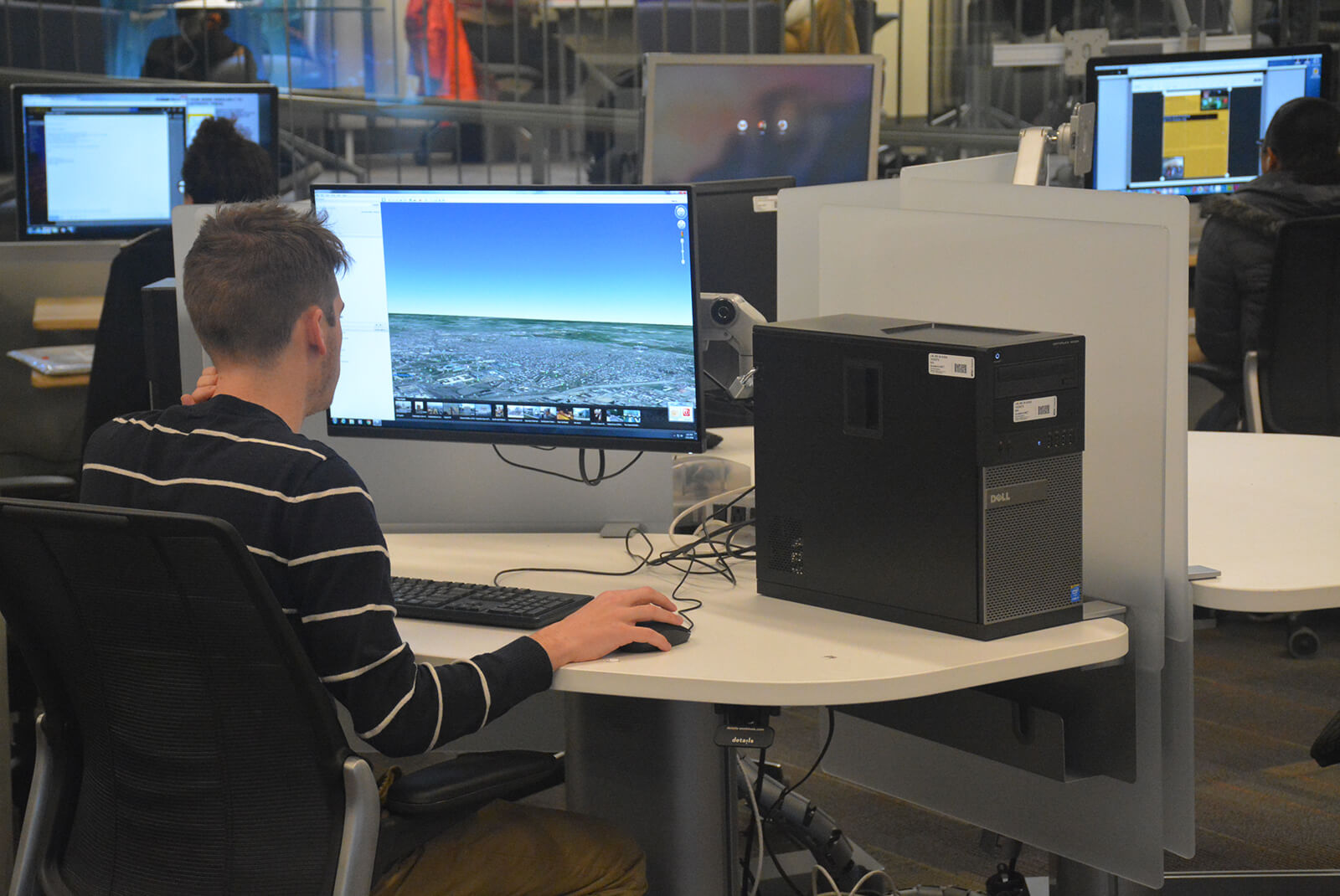
In the main room of The Workshop, these stations are available on a first-come, first-served basis for four hours at a time. These computers offer specialized multimedia hardware and software.
Docking
Our two docking stations offer multiple monitors, integrated charging, and wired Ethernet for faster uploading and downloading for your personal device.
Digitization
Large Format Scanner Station (Windows) - Scan large format images with the Contex 18"x24" flatbed
- Adobe CC (Illustrator, Indesign, Lightroom, Photoshop, and more by request), NextImage (Contex scanner app)
Scanner Station (Mac) - Scan images, slides, negatives, transparencies or multiple documents with Epson 11"x17" flatbeds
- Adobe CC (Illustrator, Indesign, Lightroom, Photoshop, and more by request), Epson Scan 2 (Epson scanner app)
Scanner Station (Windows) - Scan images, slides, negatives, transparencies or multiple documents with Epson 11"x17" flatbeds
- Adobe CC (Illustrator, Indesign, Lightroom, Photoshop, and more by request), Epson Scan 2 (Epson scanner app)
Legacy Media Station (Windows) - Capture audio or video from VHS, DVD, Hi-8, DV tape, camcorder, phonograph, audiocassette and other formats. Export as digital video files or burn to disc.
- Adobe CC, Audacity, HandBrake, MediaInfo, Nero Video, Nero Upscaler, VLC
Multimedia
Multimedia Stations (Mac) - Edit audio, video, graphics, animation and more.
- Adobe CC (After Effects, Animate, Audition, Lightroom, Illustrator, InDesign, Photoshop, Premiere Pro and more by request), Audacity, Ableton Live 12, Reaper, Xcode, Pro Apps Bundle (Logic, Motion, Compressor, Final Cut, Mainstage 3)
Multimedia Stations (Windows) - Edit audio, video, graphics, animation and more.
- Adobe CC (After Effects, Animate, Audition, Lightroom, Illustrator, InDesign, Photoshop, Premiere Pro and more by request), Audacity, Blackmagic Desktop Video, Camtasia Studio 8, Cinema 4D, DaVinci Resolve, GoPro VR Player, HandBrake, Nero Video, PixPro 360 Stitch, Reaper , VLC, Wacom Drivers
3D Creation
3D Scanning Station (Windows) - 3D scan using Revopoint's MIRACO Plus infrared structured-light 3D scanner. Use dedicated turntable or as handheld, with up to 0.04 accuracy (true to size) and 0.02mm precision (consistent data points across multiple scans).
- Solidworks, Adobe Substance, Autodesk 360, Maya & Revit, MeshLab, Meshmixer, Kinect for Windows, KScan3D, MetaShape, ReconstructMe, RevoScan (for use with the Revopoint Miraco), Sculptris, Skanect, Sketchup Pro, 3D Slicer, Blender
3D Modeling Station (Windows) - Create or edit 3D designs
- Substance, Autodesk 360, Autodesk AutoCAD, Autodesk Maya, Autodesk Revit, Blender, Cinema 4D and ZBrush, MeshLab, Meshroom, Meshmixer, Sculptris, SketchUp, Solidworks, 3D Slicer, Open SCAD, Visual Studio
Game Development Station (Windows) - Create or edit interactive and immersive content for web, mobile devices, computers and virtual reality or mixed reality on a PC with two Nvidia RTX A2000 GPUs totalling 24GB of VRAM and a dedicated Meta Quest 3 HMD
- Adobe Premiere, Adobe After Effects, Adobe Substance, Autodesk Maya 2027), Blender, Cinema 4D, GoPro VR Player, Microsoft HoloLens App, Microsoft Visual Studio 2026, Meta Oculus App, SteamVR, Unity 6, Unreal. A full list of apps and games available through SteamVR, Meta and for one-week checkout can be found here.
Advanced 3D Printing Station (Windows) Orientation required
- Makerbot Print, PrusaSlicer, Ultimaker Cura
2D Animation & Graphics
Animation Stand (Mac) - Capture stop-motion and hand-drawn sequences with a Canon T6i mounted on a vertical rig.
- Adobe CC (After Effects, Animate, Audition, Lightroom, Illustrator, InDesign, Photoshop, Premiere Pro and more by request), Dragonframe, ToonBoom, Wacom drivers
Cintiq (Mac)
- Adobe After Effects, Adobe Photoshop, Cinema 4D, Clip Studio, TVPaint Animation Pro, Wacom drivers, ZBrush
GIS and Data Visualization (Windows)
Users can view, query, analyze and edit spatial data and communicate information as visual objects.
- Details: Adobe CC, ArcGIS Pro, DeedMapper 4.2, Gephi, Google Earth Pro, Microsoft SandDance, ParaView, SPSS, Tableau 9.3, Sketchup
Remote Access (Windows)
Is your laptop unable to render your 4K movie in Premiere or complex geometry in SolidWorks or a virtual environment in Unity? Through a single browser tab you can complete your project remotely on a PC with an Nvidia's Quadro RTX 4000 GPU and 128GB RAM.
Request to use The Workshop’s Remote Workstation form
- 3D Slicer, Adobe Creative Cloud (Premiere Pro, After Effects, Media Encoder, Photoshop, Illustrator), Autodesk (AutoCAD, Fusion, Maya), Blender, MeshLab, Microsoft Visual Studio, Solidworks, SteamVR, Unity, Unreal